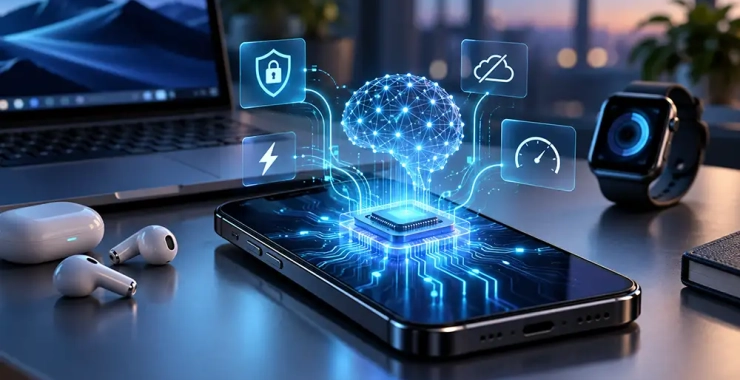
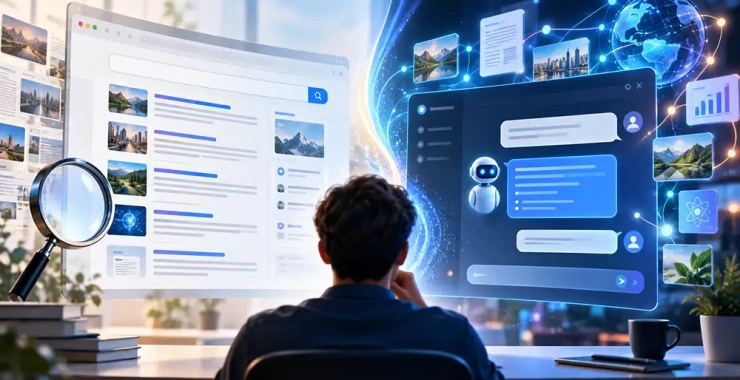
The boundary between classic search engines and AI is gradually disappearing. Previously, a user would enter a query, receive a list of links, and find the answer across several websites ...
16Oct


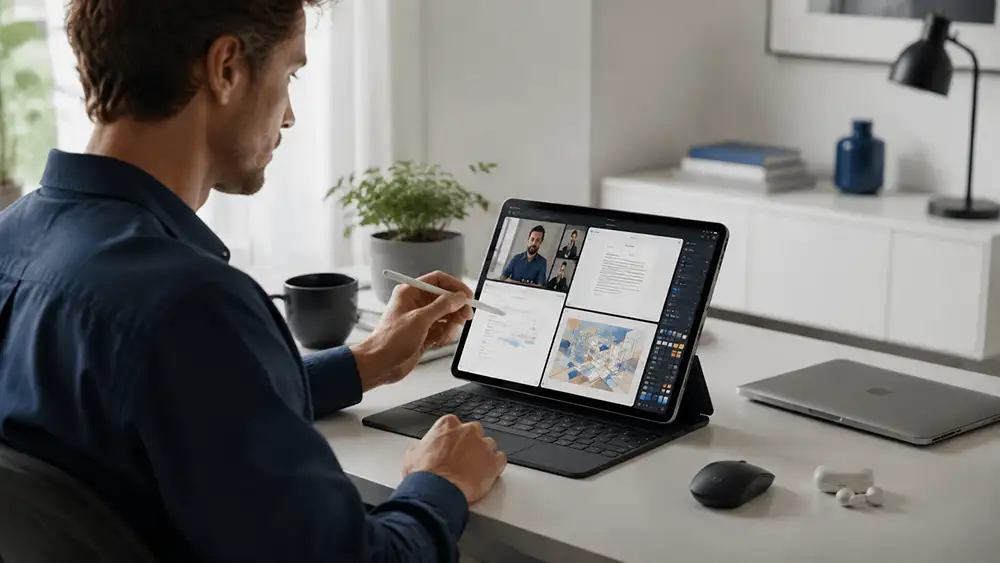
A tablet can be considered the main computer after a simple experiment: the laptop remains turned off for the entire workweek. There should be no “I’ll just quickly finish this on the PC” moments in such a test.
In five days, the device must go through the owner’s usual routine: morning email, documents with edits, video meetings, material downloads, spreadsheets, admin panels, and evening submission of completed work. It is usually in these small operations that it becomes clear whether the transition was successful.
In the morning, a contract with comments arrives by email. It needs to be opened, all corrections reviewed, your own remarks added, and returned to the sender exactly in the format they expect. If after saving fonts disappear, tables shift, or notes are lost, the problem is found already in the first hour of work.
After lunch, a different test begins. During a video call, you need to simultaneously read correspondence, check data on the website, and take notes. Here what matters is not the number of open apps but the speed of switching between them. When each switch forces you to search again for the needed place, the device’s compactness no longer seems an advantage.
In the evening, it is necessary to upload a heavy attachment, rename it, attach it to a form, and verify if the sending has completed. Such unnoticed actions decide the fate of the purchase. A powerful chip won’t help if the user spends ten minutes on an operation that previously took one.

An editor, consultant, marketer, or website administrator can manage without a traditional PC when the main tools are accessible through the internet. Email, CRM, ad accounts, online documents, and website management systems fit well in a mobile format.
The deciding factor will be the least convenient service. If a corporate cabinet requires a separate module, an old browser, or non-standard authentication, that is what will halt the transition.
An artist, photographer, or student finds that a touchscreen offers more than just lighter equipment. A sketch can be created directly on the image, a formula can be written alongside a lecture, and edits can be marked without explanations in correspondence.
In this scenario, it is important to check pen delay, pressure accuracy, and palm behavior on the display. The advertising term “stylus” doesn’t guarantee it will be comfortable to use for several hours in a row.
For trips, off-site meetings, and frequent moves, a tablet makes obvious practical sense. It can be held in hands, placed on a narrow table, or used to demonstrate materials to a client.
However, after adding a keyboard, stand, charger, and adapters, the kit is no longer so light. You need to compare the weight of the entire bag, not just one screen.
A tablet often performs the first 90% of a task without objection. Difficulties hide in the final part: inserting a non-standard font, signing a file with an electronic key, opening an old form, setting up printing, or transferring a large archive.
Accountants, engineers, developers, and specialists using niche systems should be especially careful. Even the most expensive configuration won’t help if the software manufacturer hasn’t created a suitable version. The performance reserve remains unused.
Remote connection to another PC partly solves the problem but changes the essence of the purchase. The main tool remains the computer, and the tablet functions as a portable terminal.
You need to test the future purchase not by video playback, but by the most unpleasant regular task. For this, four steps are enough:
Such an experiment quickly distinguishes a real laptop replacement from expensive equipment for reading and entertainment.
You should also choose the operating system based on the program you cannot work without. If drawing and touch control play the main role, iPad is a logical candidate. For flexible work with different file sources, Android can be considered. When traditional desktop software is needed, Windows remains the safest direction.
A tablet replaces a laptop not when it runs many programs, but when it does not create additional work. If after the trial week the laptop was not needed even once, the answer has already been found.